The roadbook
One note at a time.
At the right moment.
The standard roadbook in PDF, or RoadBook PRO: convert your PDF, .rn2 or OpenRally roadbooks and make use of every feature of the app: waypoints, automatic advance and much more.
Coming soon onApp StoreAvailable onGoogle Play
The PDF
Your roadbook, just as it is.
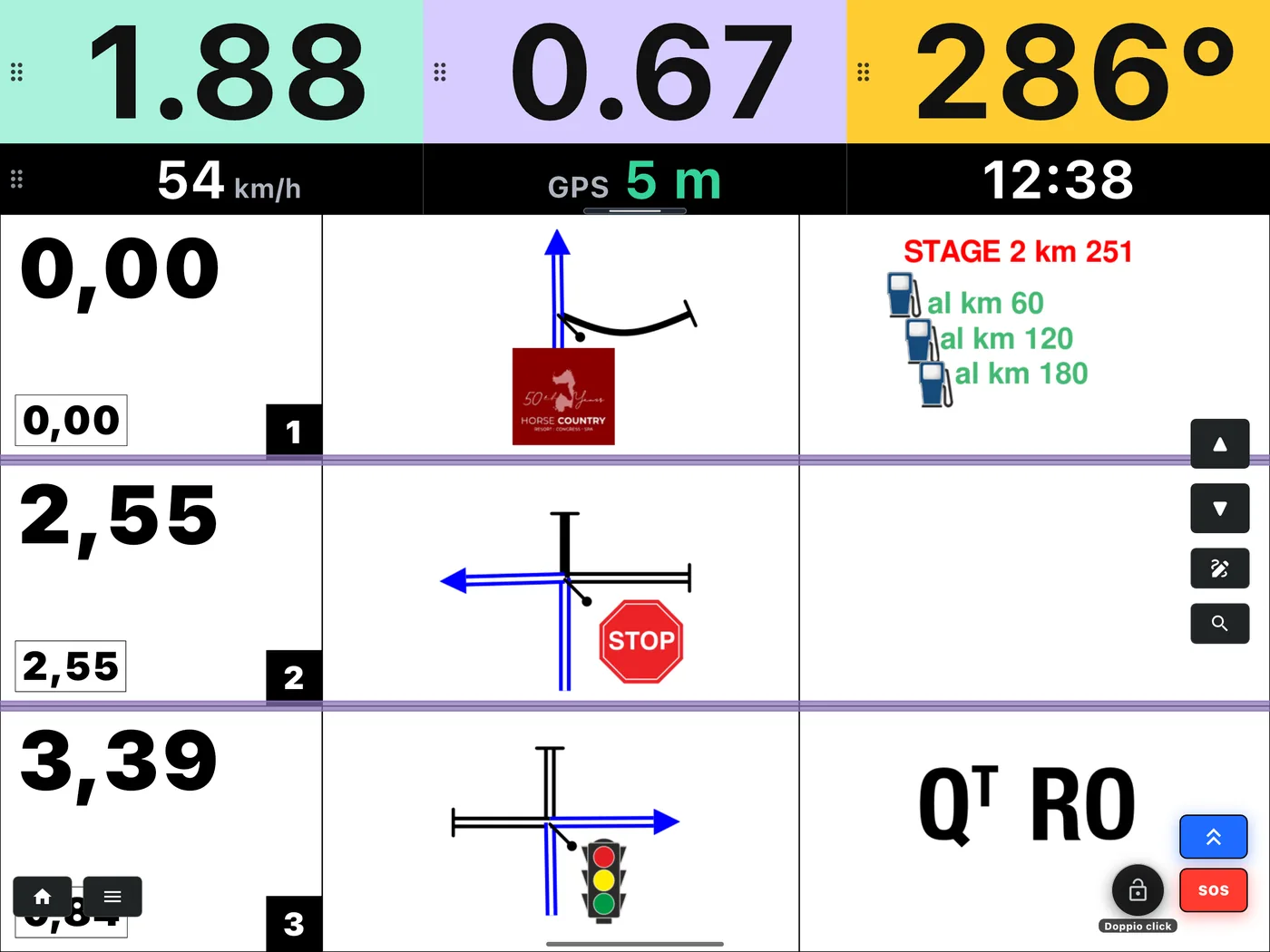
- Up and down arrows to change note; hold them down and the notes scroll.
- Search for a note by its number.
- Pen to write your own annotations on it.
- Padlock: a double tap locks the screen.
RoadBook PRO
Eyes on the road, ears on the roadbook.
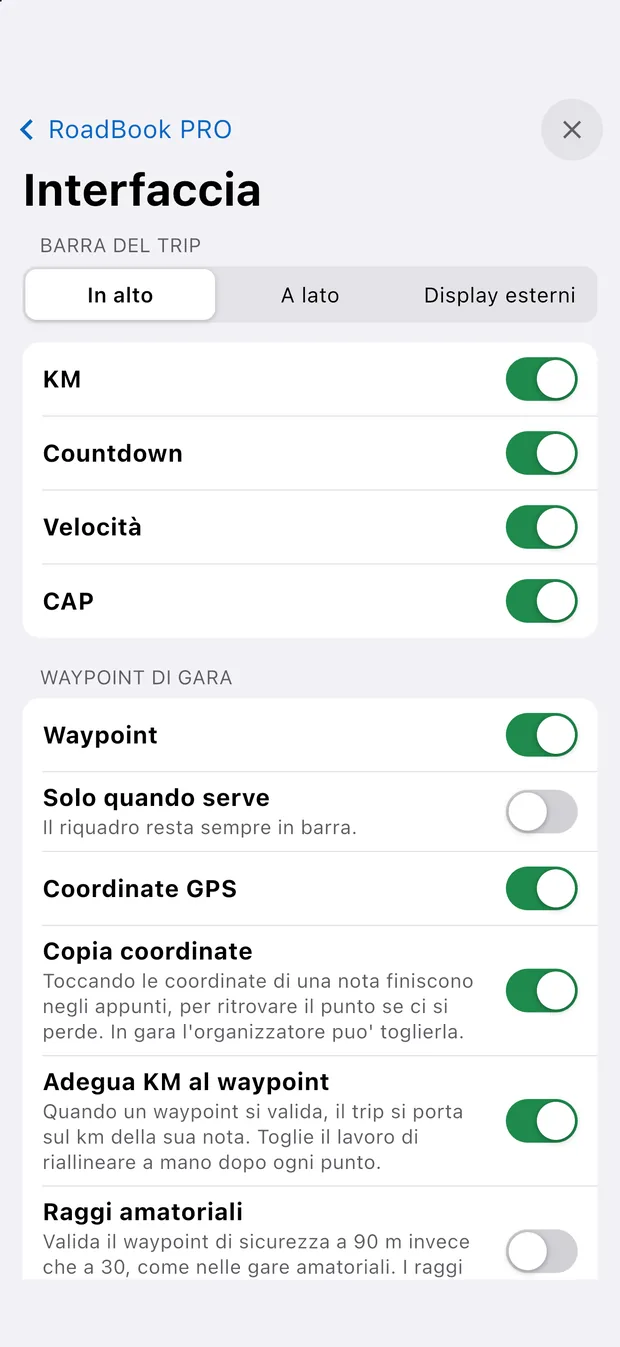
- Note alert: a beep at the distance you choose, or only for important notes. Or linked to the countdown colours: one at green, two at orange, a long one at red.
- Four different sounds, to try out before you set off.
- CAP check: once you have passed the note, if your heading strays beyond the tolerance the box turns orange and shows you the roadbook CAP.
- Coordinates: tap them to copy them, hold them down and the map takes you there.
Where it comes from
PDF, .rn2, OpenRally or your own Builder.
RoadBook PRO starts from what you have: a PDF, an .rn2 project, an OpenRally GPX or a roadbook made with the RoadBook Builder. Where the waypoint coordinates are inside the file, the app validates the waypoints even if they cannot be seen on the printed roadbook.
01
Convert
In the app, Convert to RoadBook PRO: in less than a minute the roadbook is ready.
02
Save to the cloud
The cloud space of your account keeps your roadbooks and tracks, in folders.
03
Find it anywhere
With the same account you open it on the tablet and on the phone, even across iPhone and Android.