
SOS
Never alone.
From every screen.
From the map, the RoadBook or the SOS section, the message goes out with your position. In a race it reaches race control, on a ride it reaches your friends.


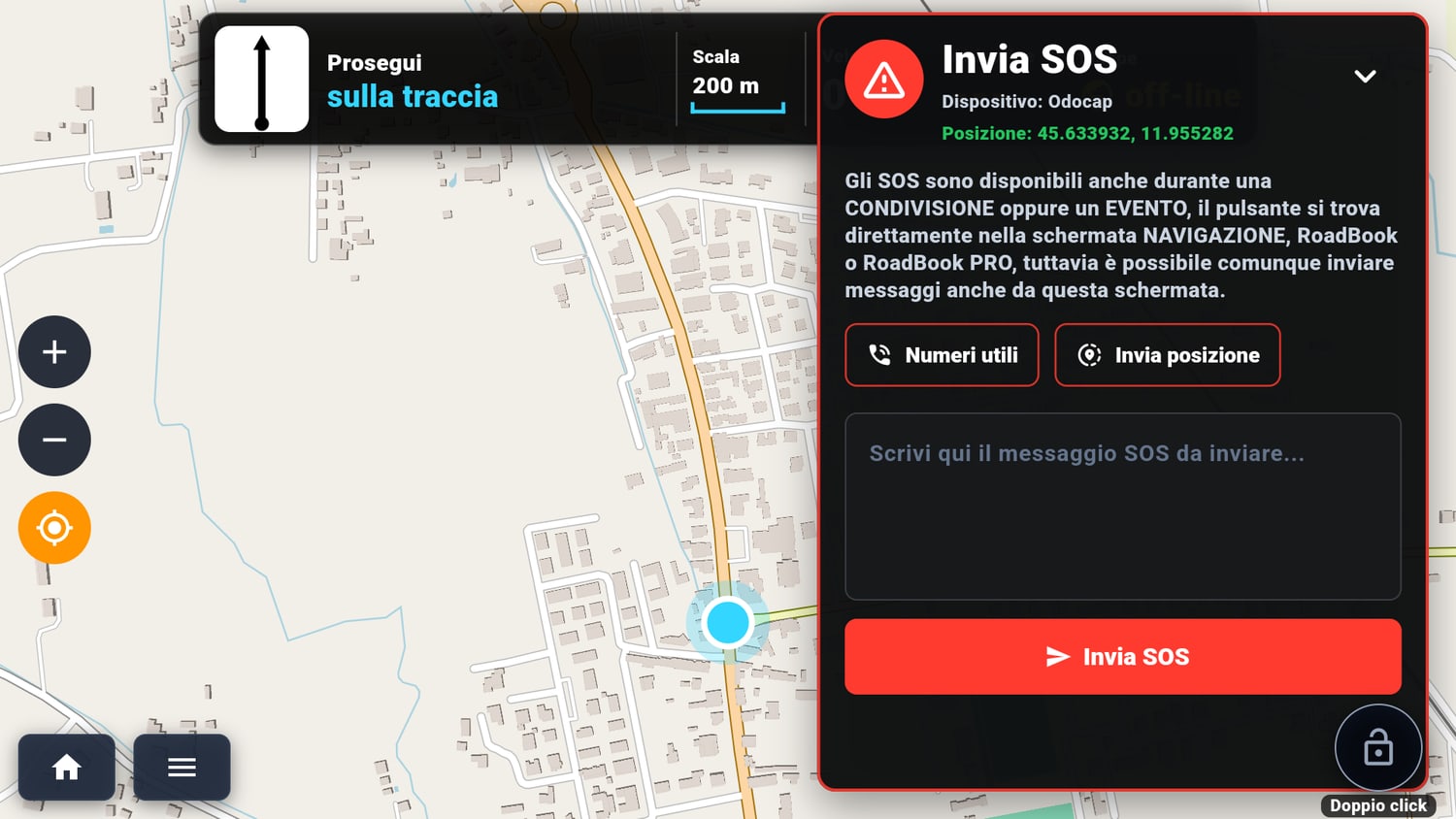
One tap
Write. Send.They know where you are.
Write what happened and press Send SOS: it goes out with your coordinates. Then you see when someone has opened it and when it's resolved, and you read the replies under your SOS.
Who gets it
In a race, race control.On a ride, your friends.
With an event and a share both active, ODOCAP asks you who to send it to before it goes: only the people you choose see it.
In the race
- Race control sees you straight awayThe SOS appears on its map with your coordinates and the message.
- It repliesThe reply arrives as a notification and stays in the SOS panel, under yours.
- Assistance assignedIf race control sends someone, you receive their name and their position.
With friends
- The group sees itOnly the friends in the share, with the status and the replies.
- Navigate takes you to themTowards the SOS position or the friend's last position, with ODOCAP navigation.
- Resolved, for everyoneOne tap on Resolved closes it for the whole group and removes the red status from the map.
Always at hand
The red button.Even in a race.
On the map, in the RoadBook and in RoadBook PRO the SOS button stays on screen and shows how many SOS alerts are open.
- Above the notesIn the roadbook the SOS panel opens above the notes: Hide and you're back where you were.
- Overtaking is right next to itThe blue button warns the rider ahead: their screen gets a blue frame.
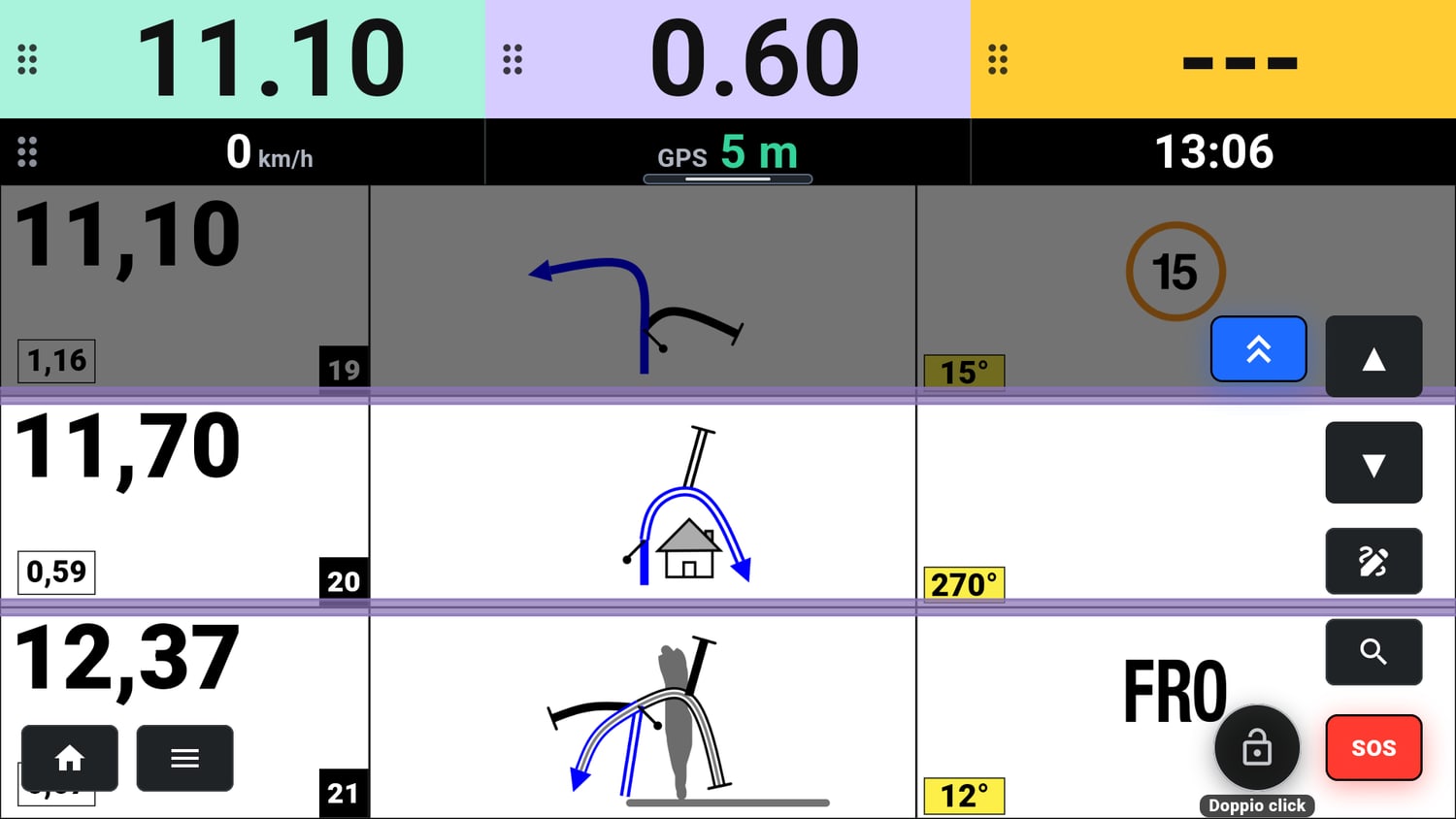
The SOS section
Useful numbers.With one tap.
From the Home screen open the SOS section: write the message, send your position to the phone's apps or call the emergency numbers.
- The numbers of the country you ride inThe Italy list is ready to go; add and remove the numbers you need.
- Send positionCoordinates and map link to WhatsApp or other apps, without opening an SOS.
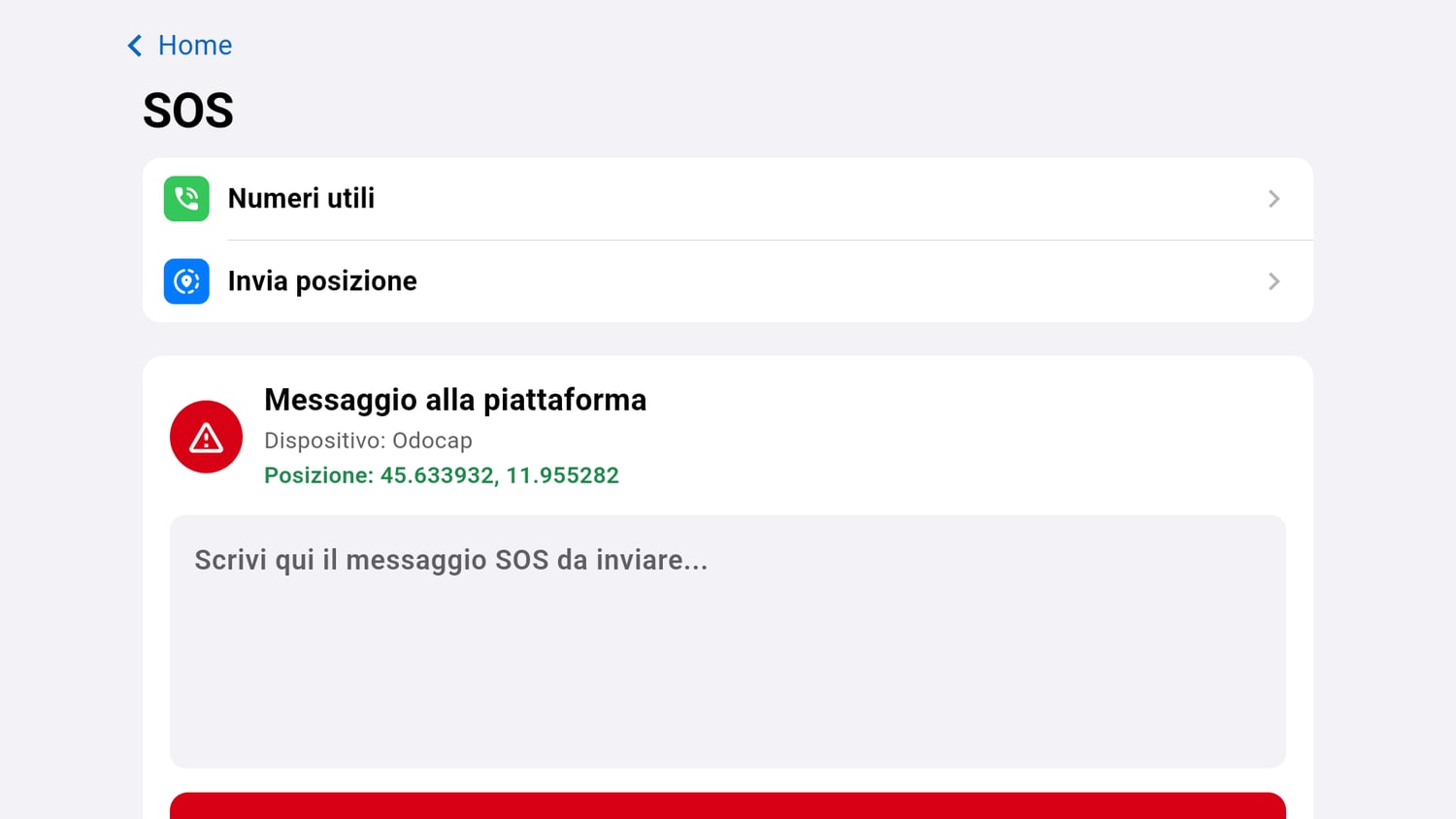
4
places the SOS can be sent from: SOS section, map, RoadBook and RoadBook PRO
3
statuses to follow: Waiting, Seen, Resolved
60.000
positions stored while there's no network
1
tap to call an emergency number
Ready to go
Download it today.Race tomorrow.
Thirty days' trial with everything included. Every control, one by one, is explained in the Guide.