
Navigation
It takes you anywhere.
Even where the tarmac ends.
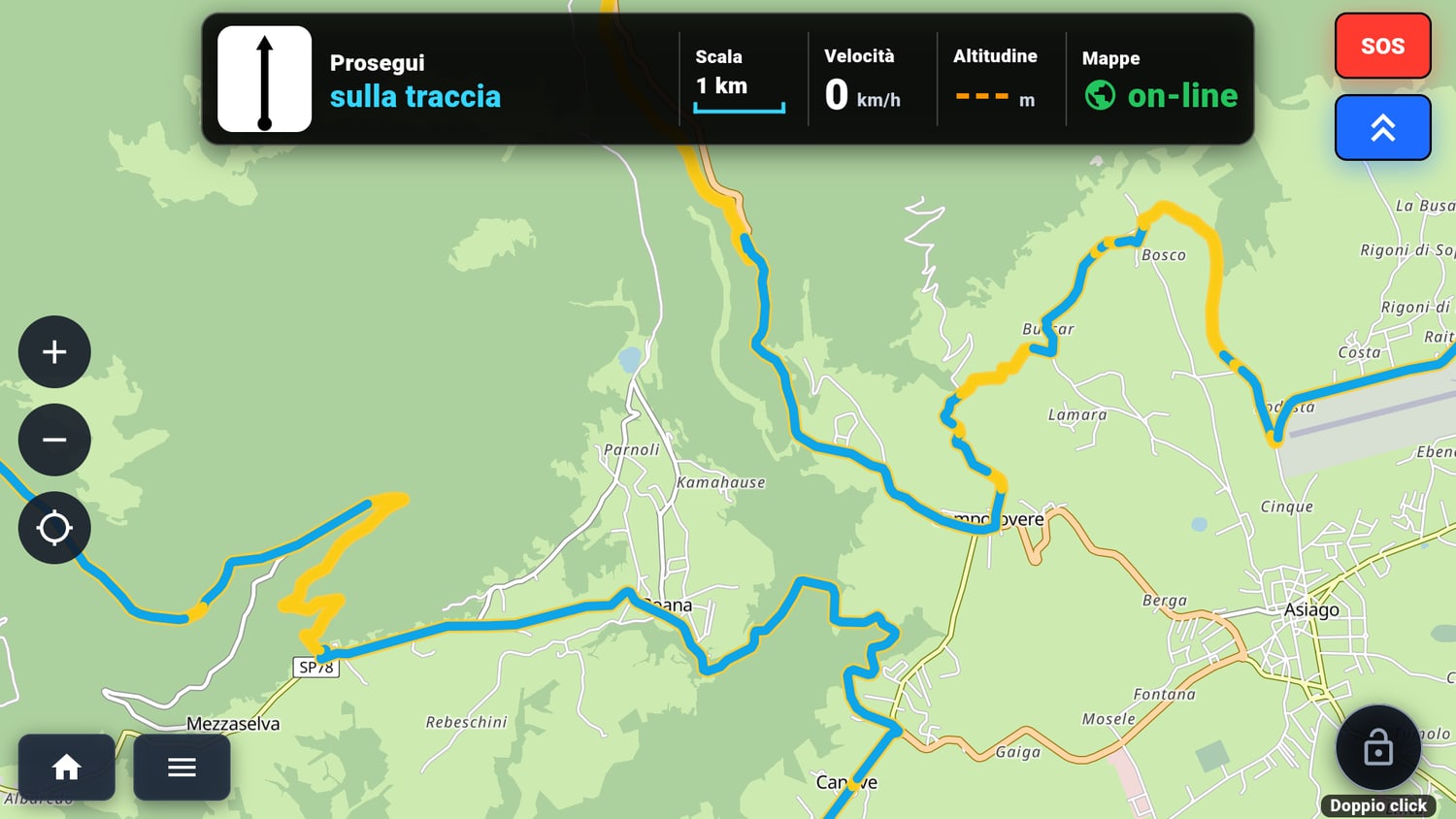
Search for a destination and go, by car, motorbike, bicycle or on foot. Or load a GPX track and ODOCAP tells you where to turn, how many km you've done and how many are left.


Four ways to go
With signalor without.
Online, all over the world
Our server calculates the route: all you need is your account and a bit of signal, with nothing to download.
Offline, with no signal
Download the area before you leave: the map and the route calculation stay on the device.
Voice guidance
Spoken directions in your language, with the voice you prefer.
Follow the GPX track
Turns, km done and track total. It works even if you ride it backwards.
Create off-road routes
Choose the kilometres.ODOCAP draws the loop.
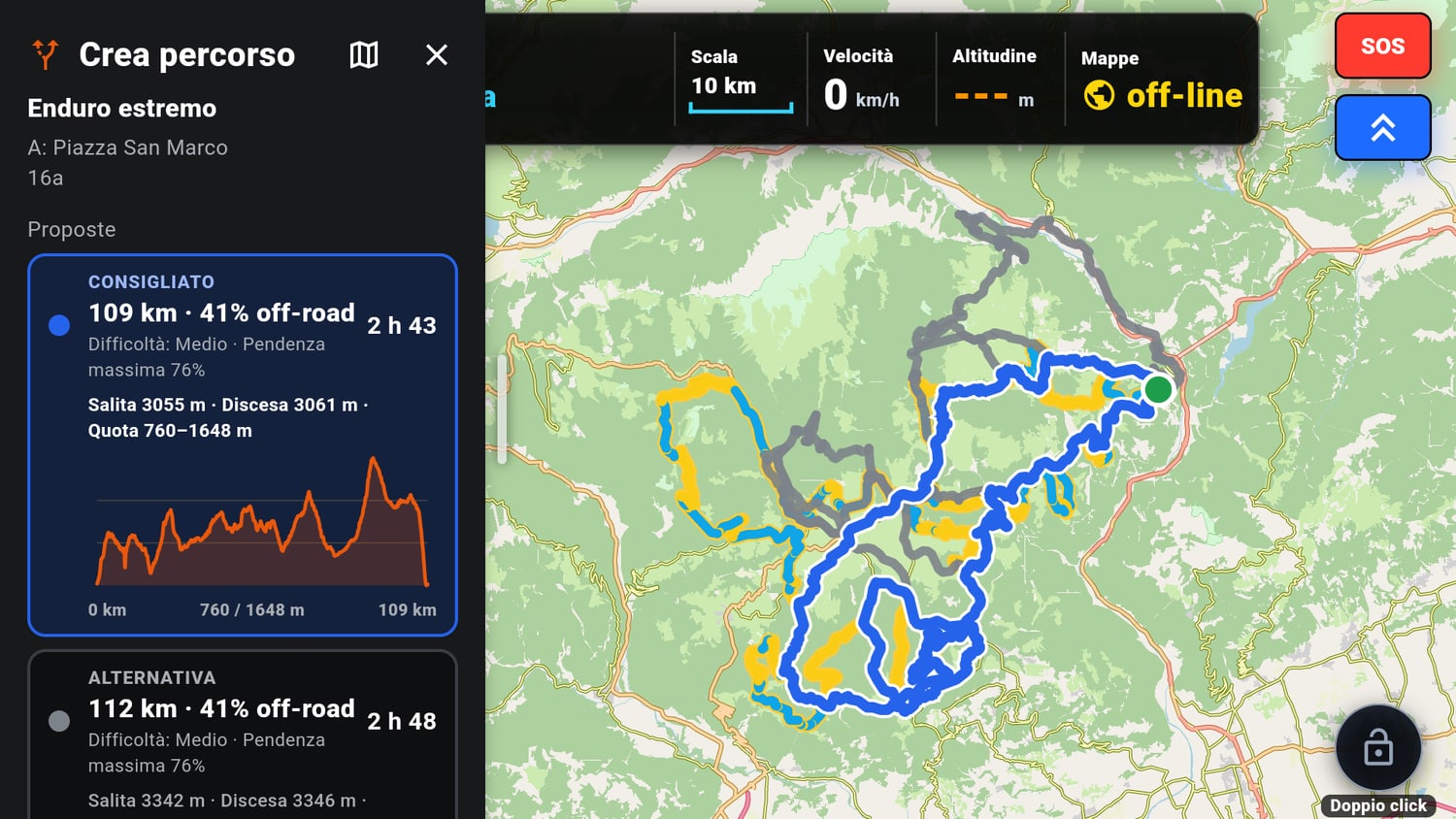
As a loop or from A to B. Say how much dirt you want and ODOCAP offers you three routes to choose from, with elevation gain and time.
Away from the tarmac
With off-road switched on, motorways and expressways stay out.
Take me to the start
Planned it at home? ODOCAP guides you to the first point, then press Start.
Save as track
The loop ends up among your GPX tracks, ready for the next ride.
Voice guidance
You watch the road
The voice guides you.
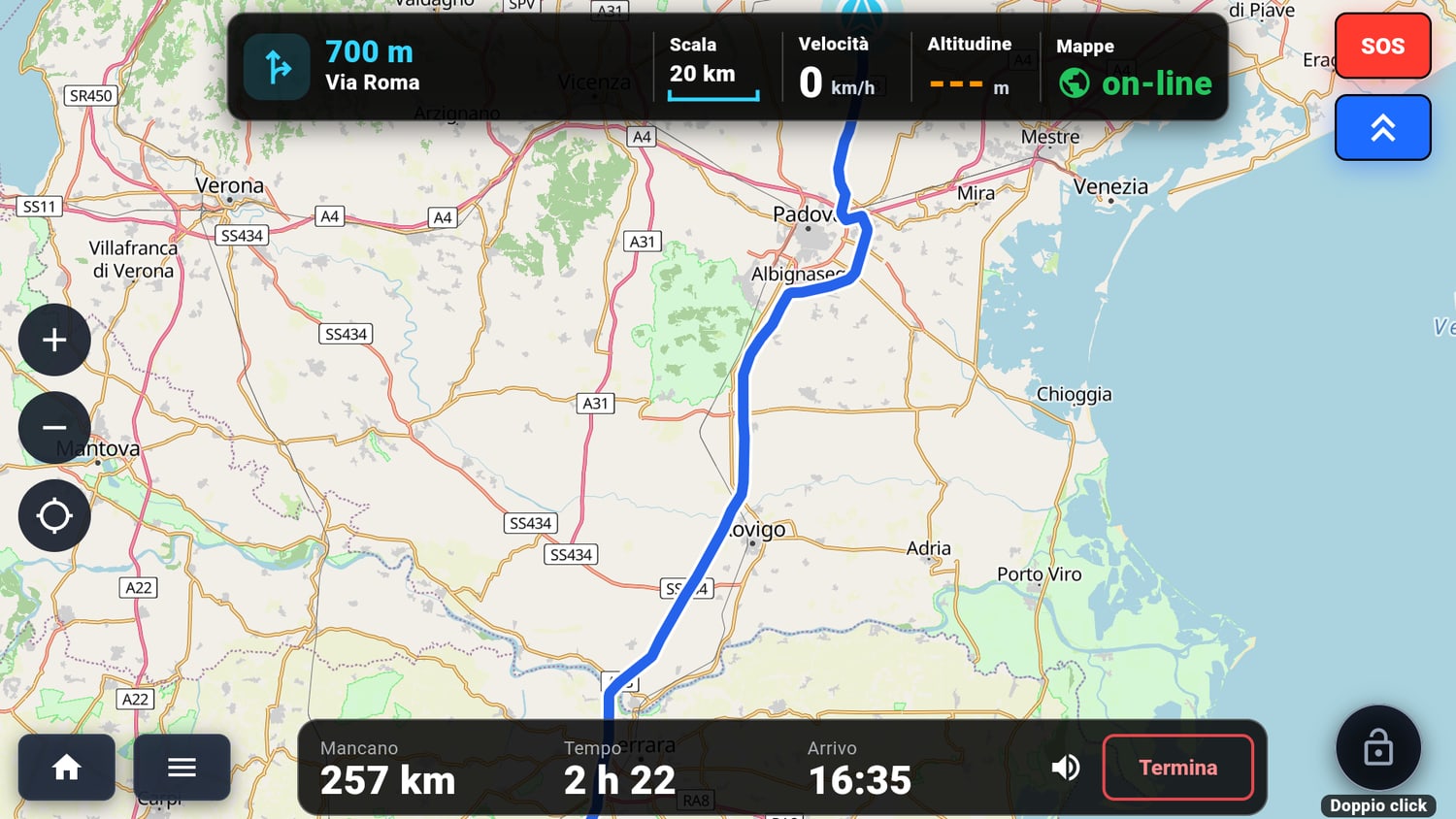
Distance to the turn, km left, time and arrival time, always at the bottom. Online all over the world, or with downloaded maps.
The map
Everything you needwithout leaving the map.
GPX tracks
Record, load and sort your tracks into folders; you choose the colour and thickness.
Track info
Distance, altitude and profile, with an estimate of how much is tarmac and how much is dirt.
POI
Fuel, workshops, food, overnight stays, emergency: ten categories to switch on.
Layers
Relief, buildings, direction arrows and the trails of the other riders.
KeyPad
Zoom, centre position and move the map from the keypad buttons.
External displays
On the ODOCAP tablet, turns, speed or CAP on the external displays.
Ready to go
Download it today.Race tomorrow.
Thirty days' trial with everything included. Every control, one by one, is explained in the Guide.