
Roadbook
The roadbook
Note after note.
Open the organiser's original PDF and keep trip, CAP and countdown always under control. Or turn it into RoadBook PRO: every note becomes large, readable and perfectly visible on any screen.


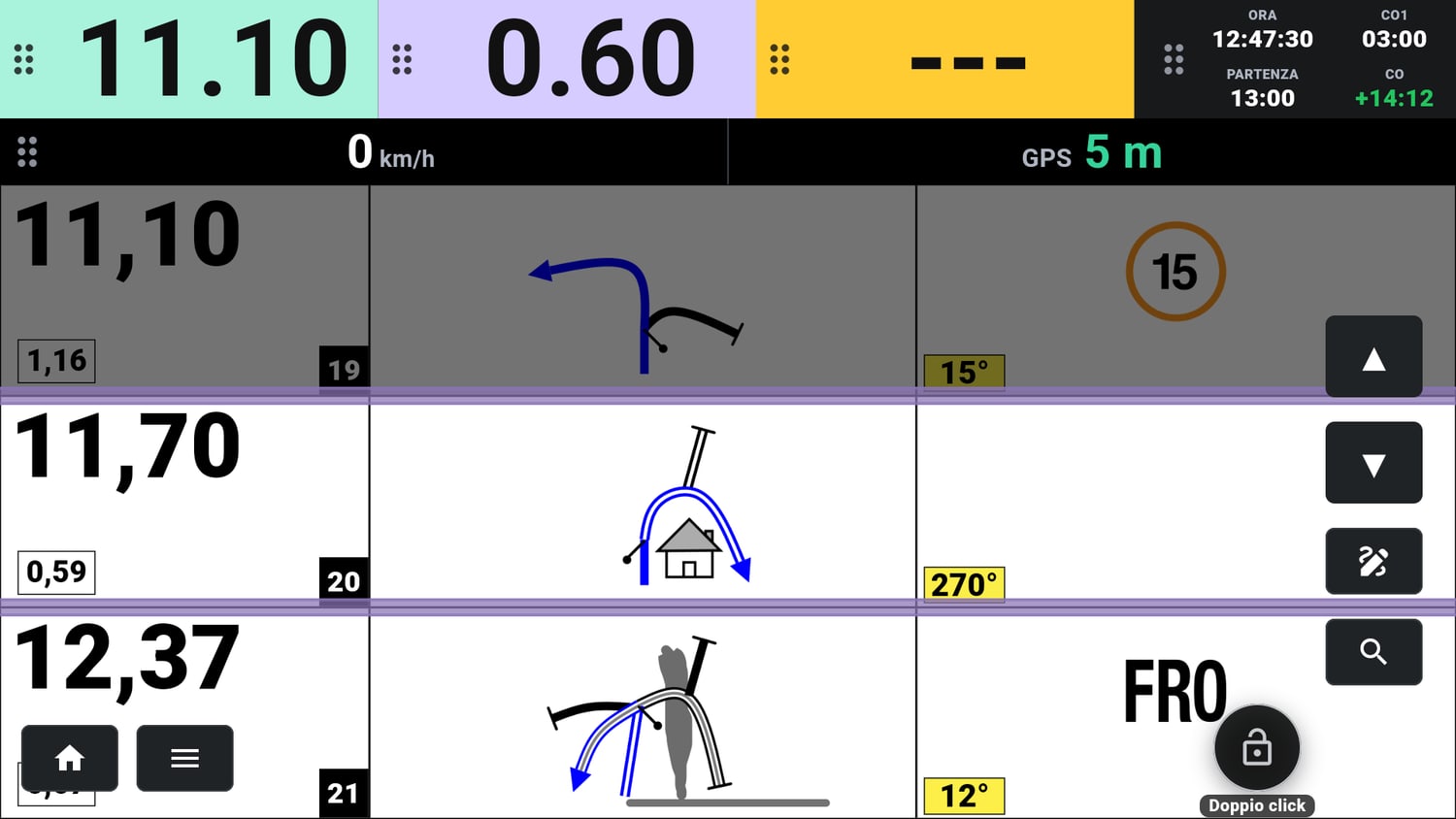
Two ways to read it
Standard or PRO.The same roadbook.
RoadBook Standard
The PDF just as it is. Load the organiser's file and go.
- Trip, CAP and countdownHow far to the next note, with the bar turning green, orange and red.
- Match the km to the noteOne tap and the trip goes back to the roadbook km.
- Automatic advanceAt the note's km the roadbook moves on to the next one by itself.
RoadBook PRO
Load the PDF and our server converts it in a few seconds: large notes, no zooming and much more.
- Race waypointsValidated by GPS with the radii from the FIA and FIM table.
- Coordinates to navigate toPress and hold a note's coordinates and ODOCAP takes you there.
- From .rn2 and OpenRally tooWaypoints are validated even when the coordinates are hidden.
| Standard | PRO | |
|---|---|---|
| Open the race's PDF roadbook | ✓ | ✓ |
| Trip, CAP and countdown | ✓ | ✓ |
| Keypad and external displays | ✓ | ✓ |
| Large notes on every screen | — | ✓ |
| Race waypoints with FIA radii | — | ✓ |
| Coordinates to copy or navigate to | — | ✓ |
| Guided setup for beginners | — | ✓ |
Made to measure
The informationjust the way you want it.
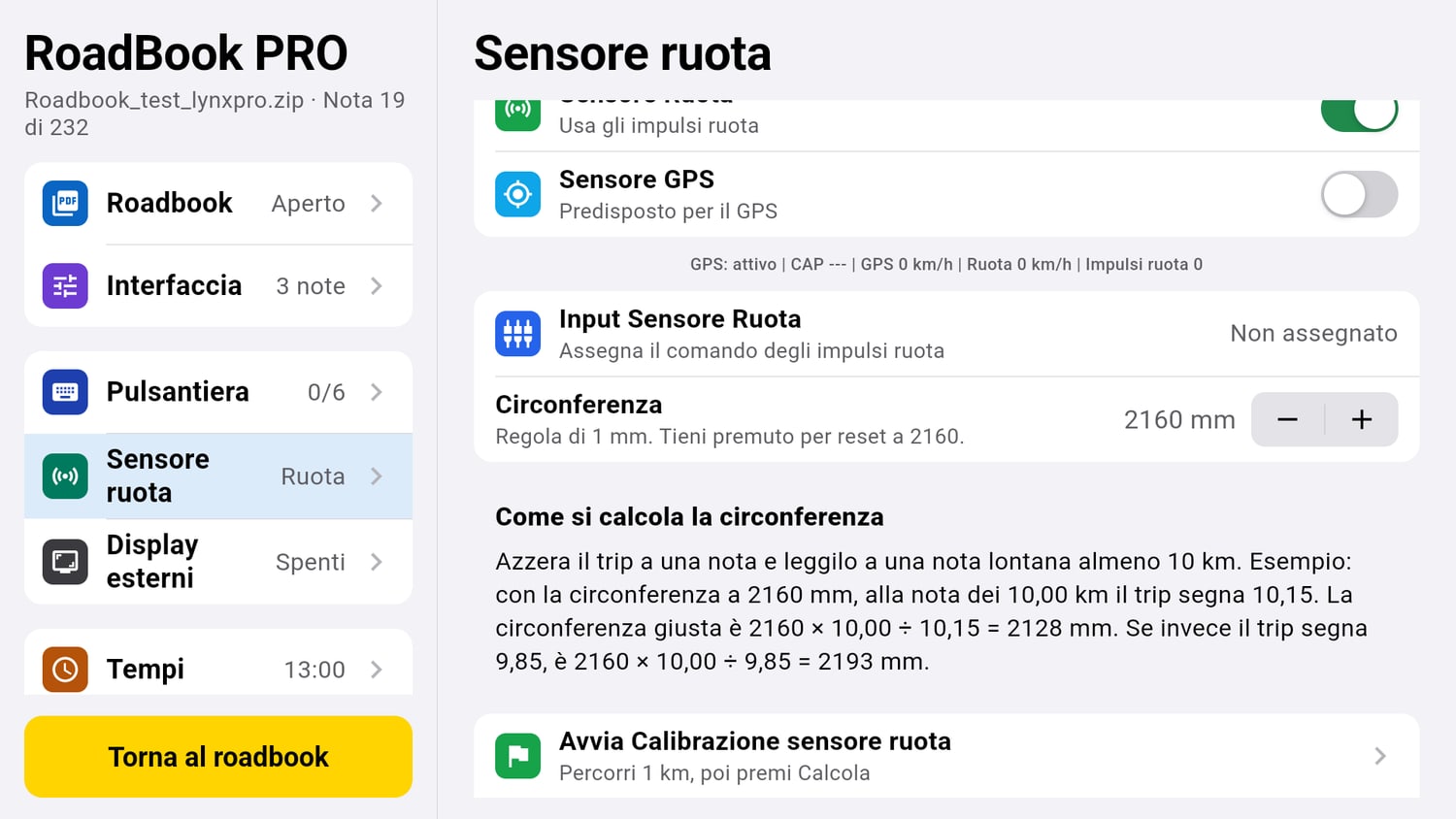
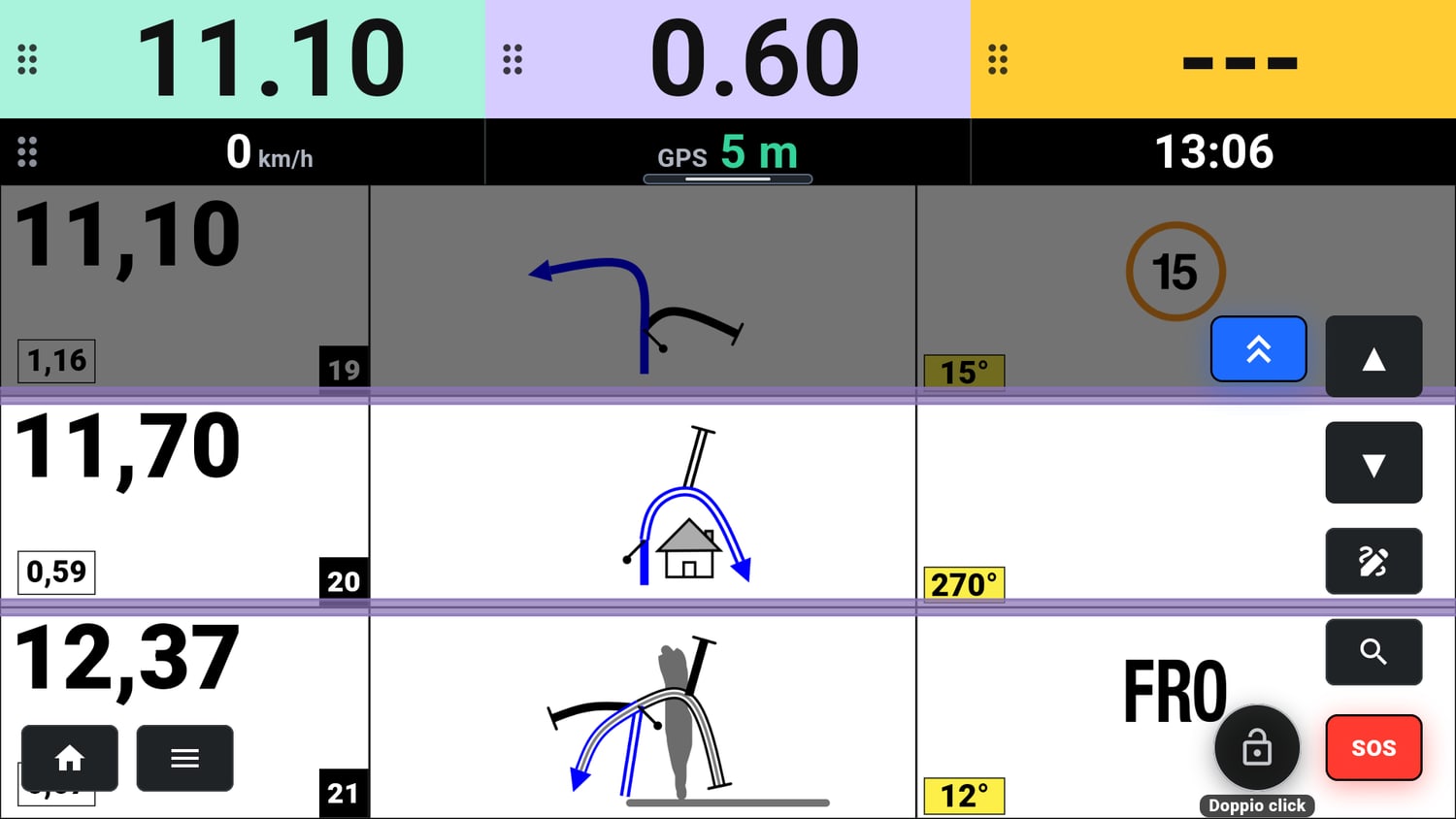
Choose how many notes to see, which data to keep in the bar and how to be alerted. With the guided setup it takes a minute.
- Race timesTime, start and chained time controls, always in the bar.
- Flashing and coloursDecide at how many metres the bar turns green, orange and red.
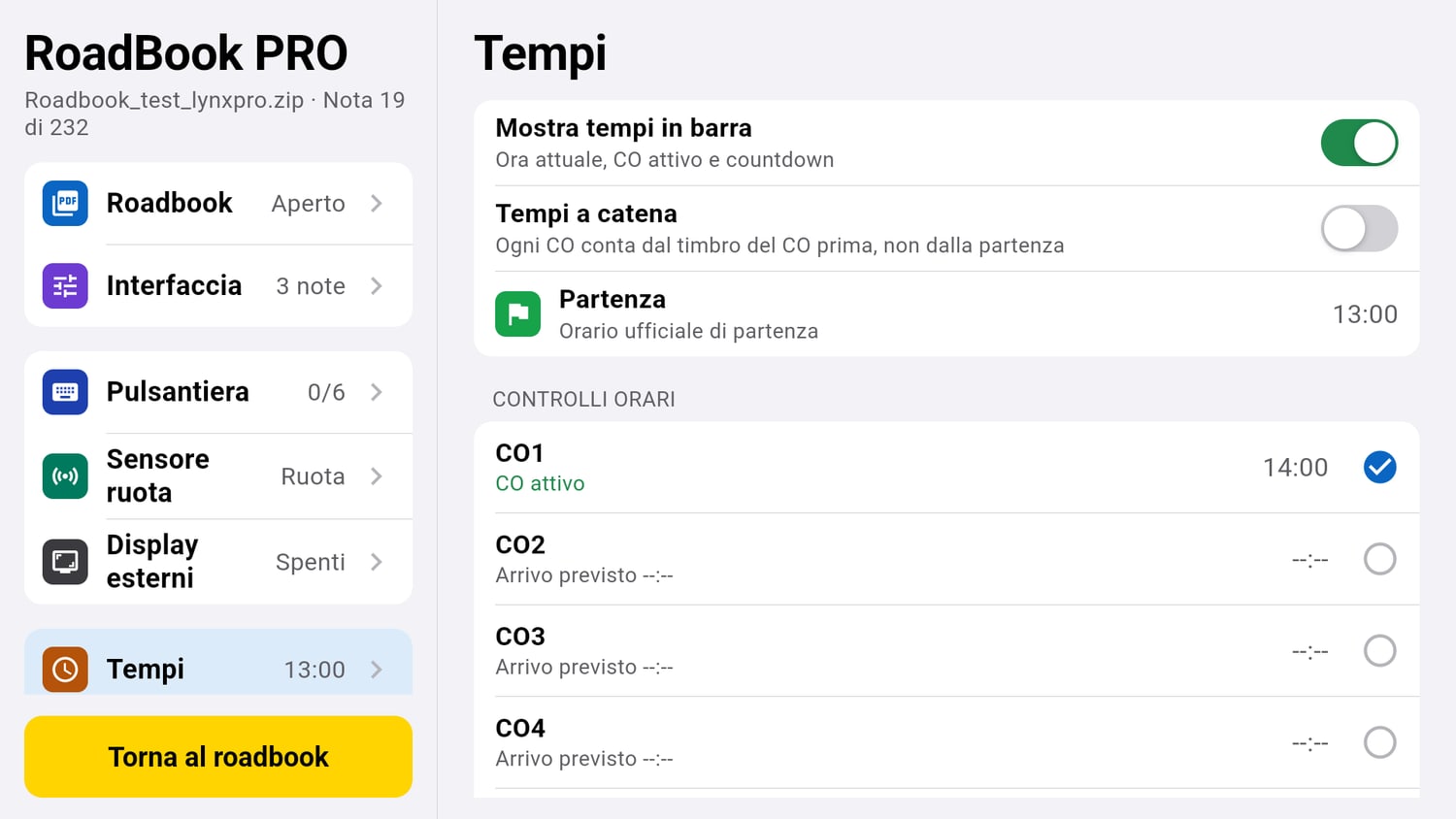
Swipe through the screens
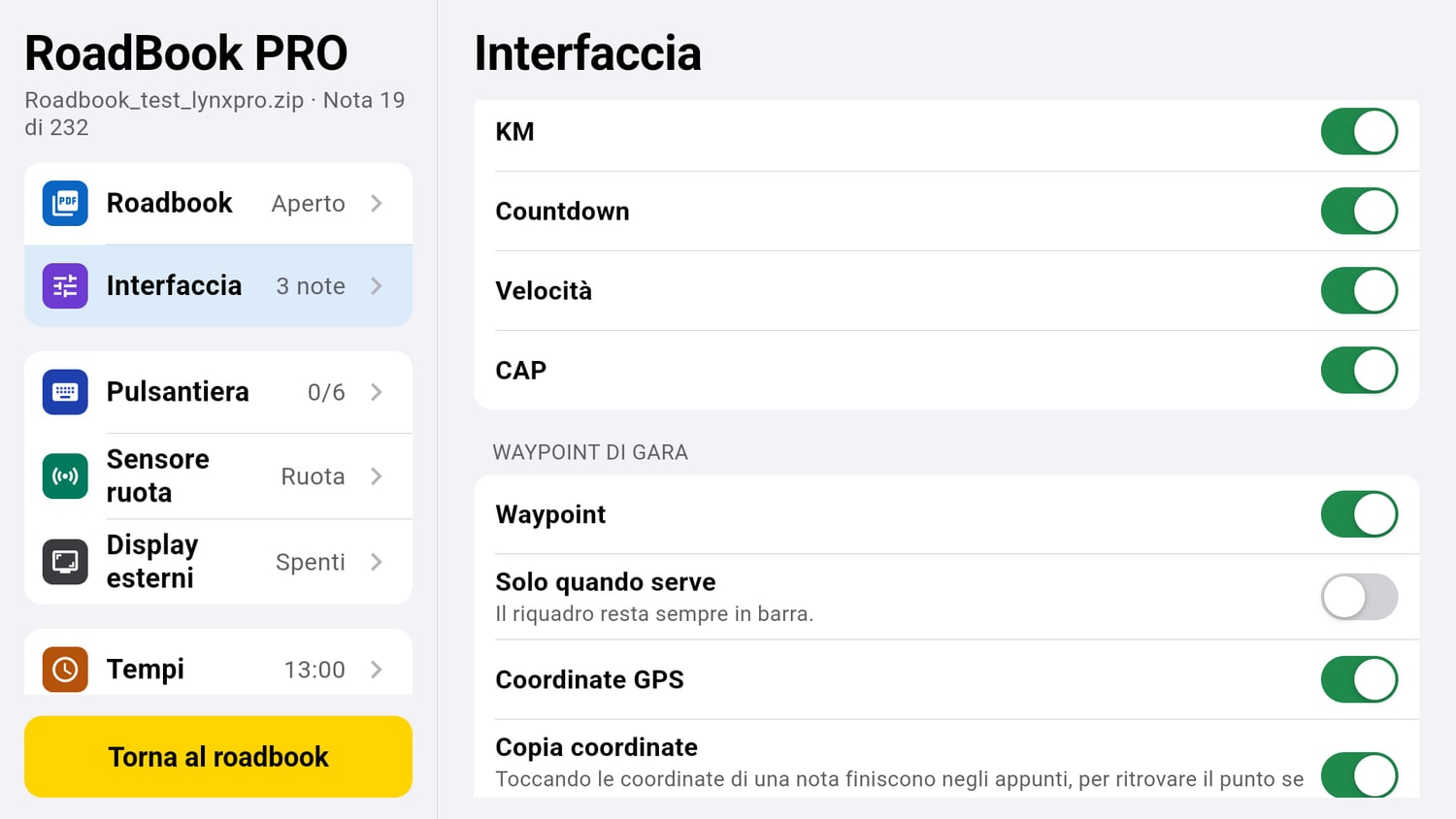
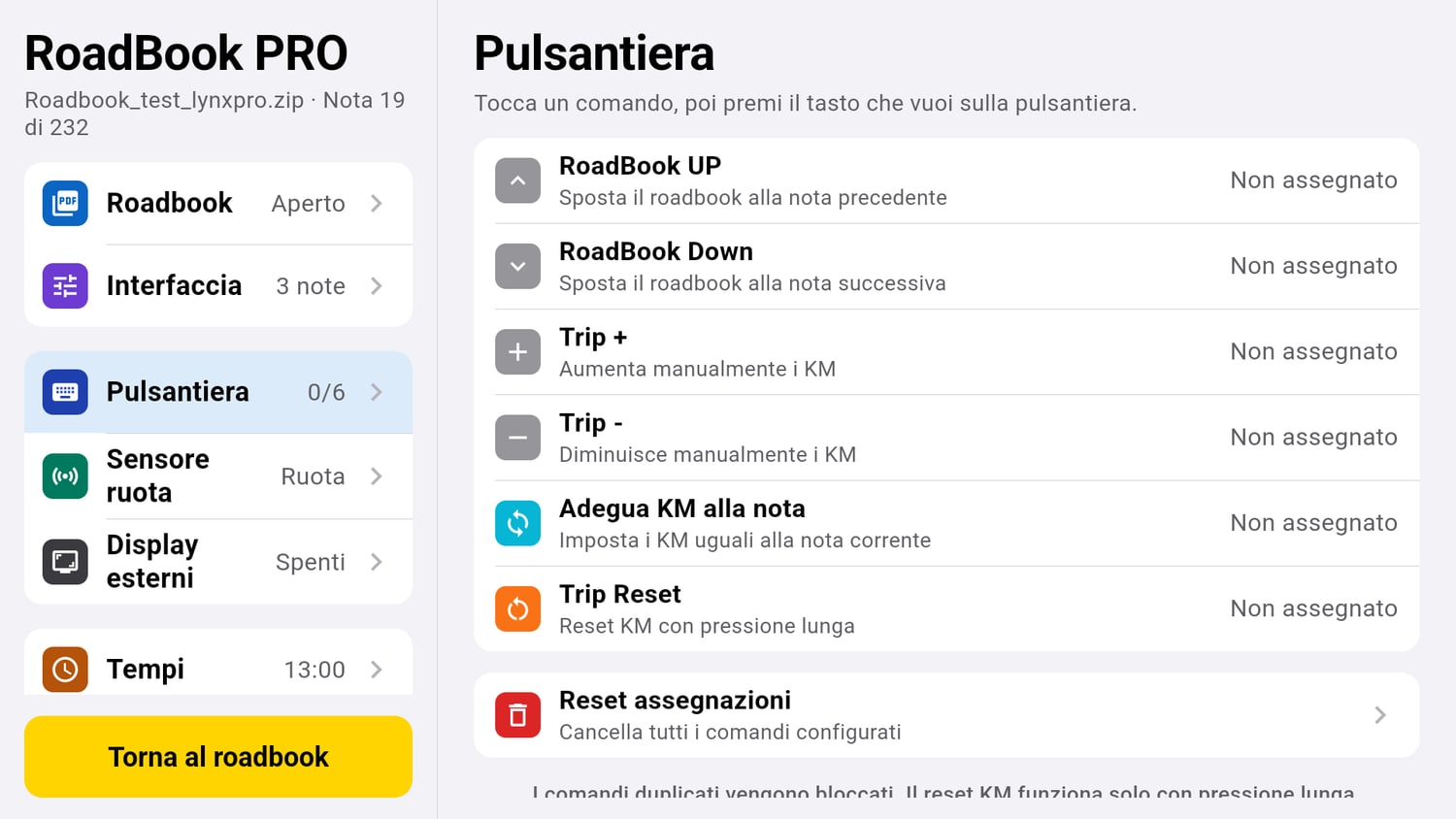
Draw on the note
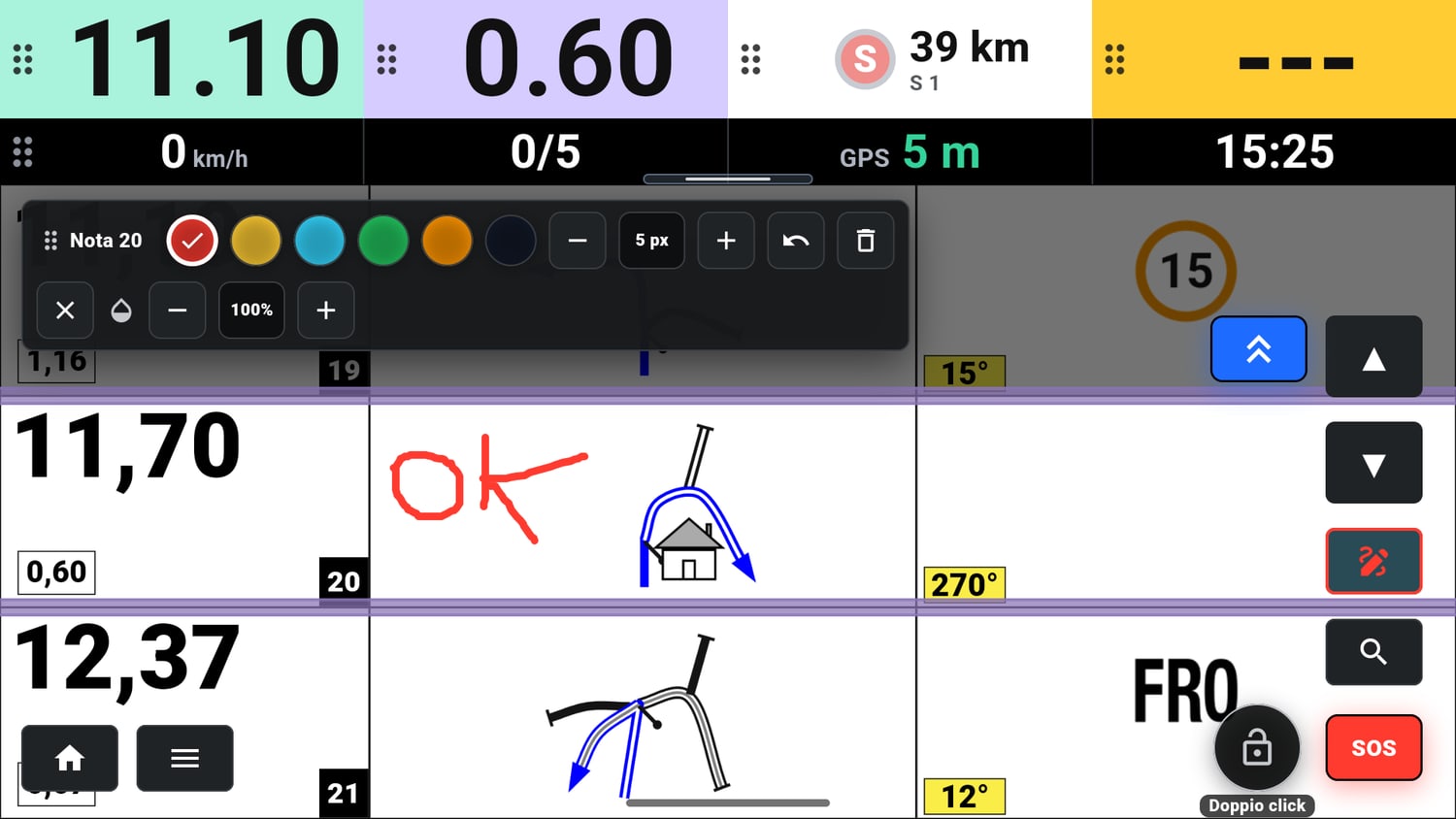
Jot a reminder straight onto the note: one pen, six colours and the thickness you like.
Race waypoints
The GPS validates them.Just as the rules say.
Every waypoint has its own opening and validation radius, the ones in the FIA and FIM table. No button to press, no status to change by hand.
A GPS jump won't cost you a point: ODOCAP waits for the next fix.
Ready to go
Download it today.Race tomorrow.
Thirty days' trial with everything included. Every control, one by one, is explained in the Guide.