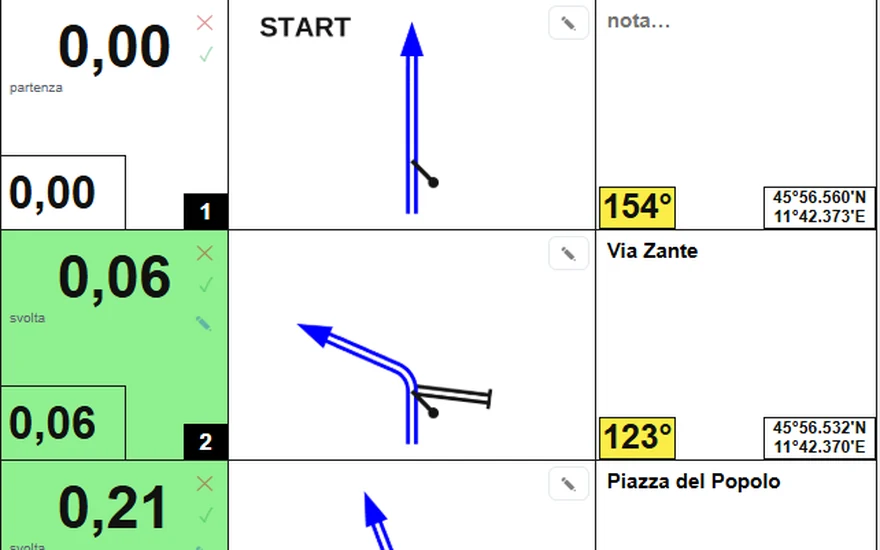
Notes from the track
Load the GPX: junctions, tulips, km, CAP and coordinates appear by themselves.
Load the track: the Builder finds the junctions, draws the tulips and measures km and CAP. You refine it with symbols and export it as PDF or RoadBook PRO. On the computer in the browser, on the tablet and phone with the app.
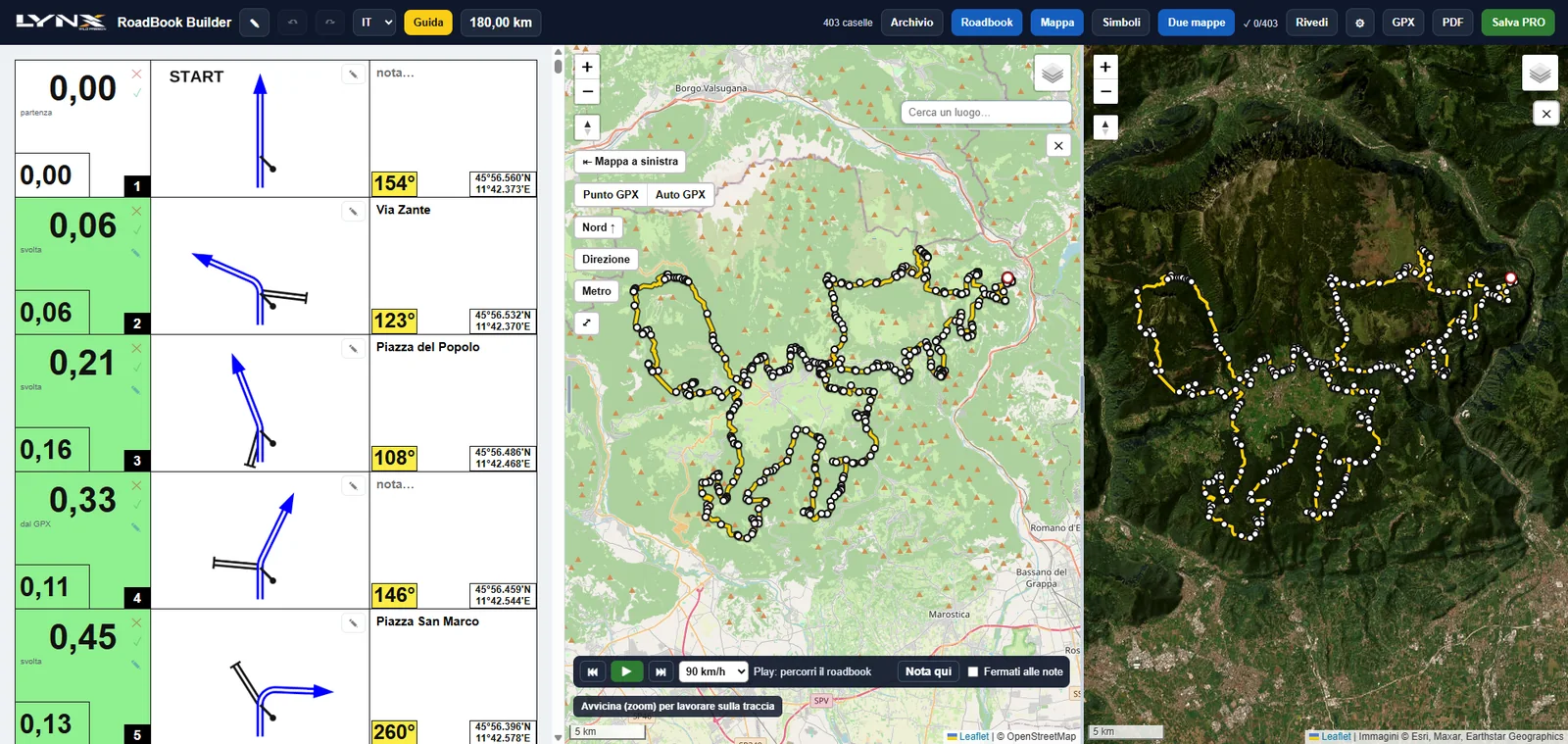
Load the GPX: junctions, tulips, km, CAP and coordinates appear by themselves.
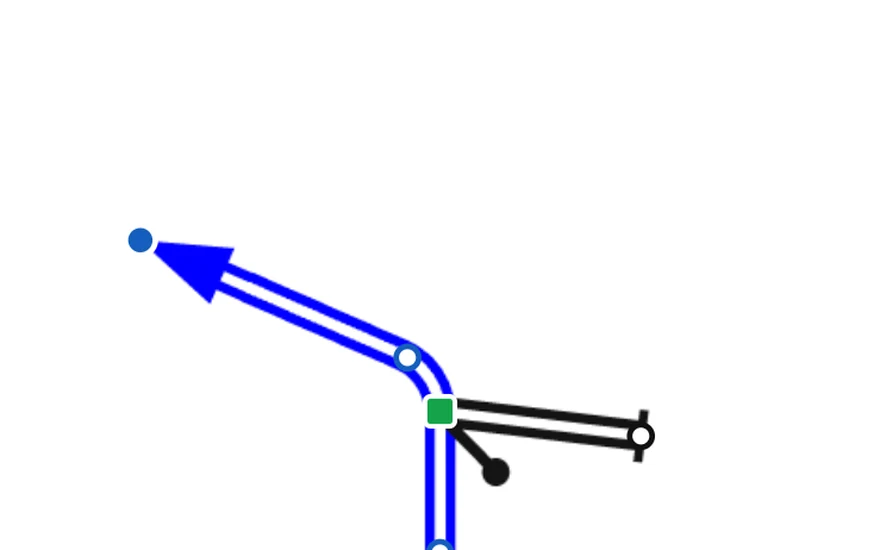
Drag a point and the road bends. Add roads, arrows and symbols.
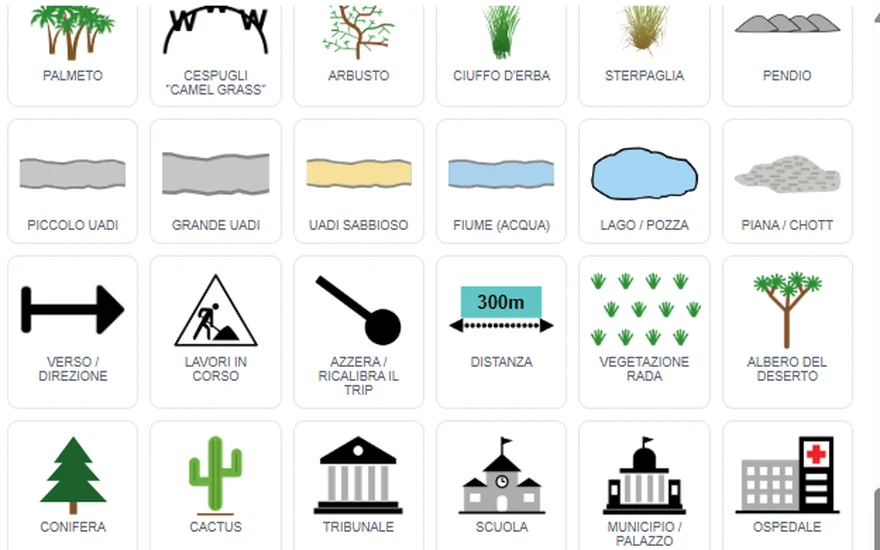
FIA 2026 lexicon, signs, speeds and race zones: you drop them onto the note.
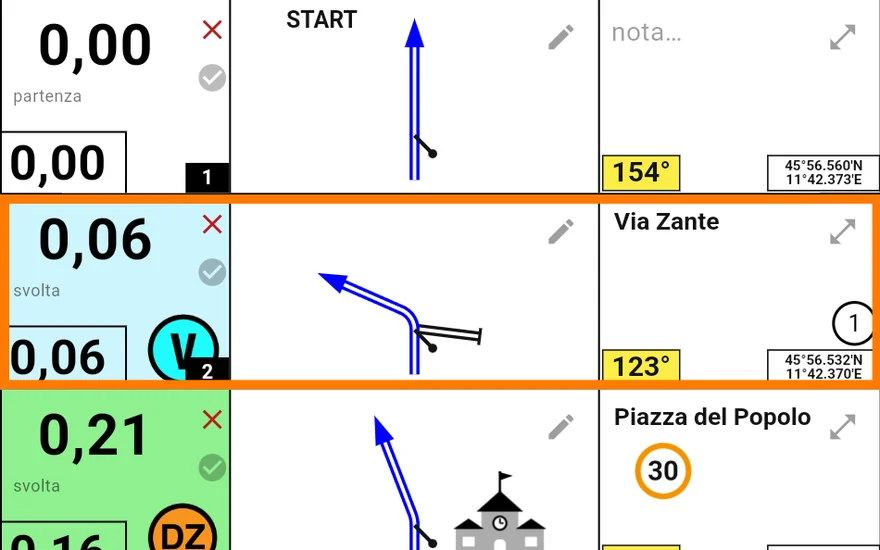
The same editor in the app, with the map alongside: create and correct wherever you are.
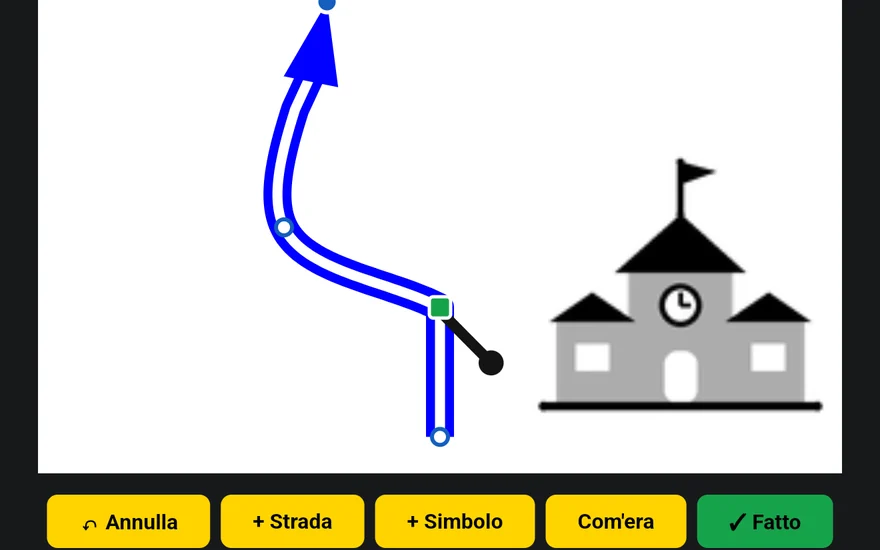
The tulip opens up large and you edit it with a touch.
Export the roll as a PDF, ready to print, or the package for the app. And you'll find it in your account, from the computer or the tablet.
Privacy Policy
This website uses no cookies, analytics or advertising tools, and loads nothing from other websites. That's why we don't ask you to accept anything.
For more information, see the Privacy Policy.
Cookie details